
Commercial & industrial lighting · Milton
Occupancy & Vacancy Sensors in Milton
Sensors work best when their coverage and operating sequence fit the occupied area. A person moving down an aisle, sitting at a desk or working quietly at a bench creates different detection conditions.
Define the task, entry route and intended lighting behaviour before selecting a device. When existing sensors cause problems, record the pattern so coverage, settings and compatibility can be reviewed together.
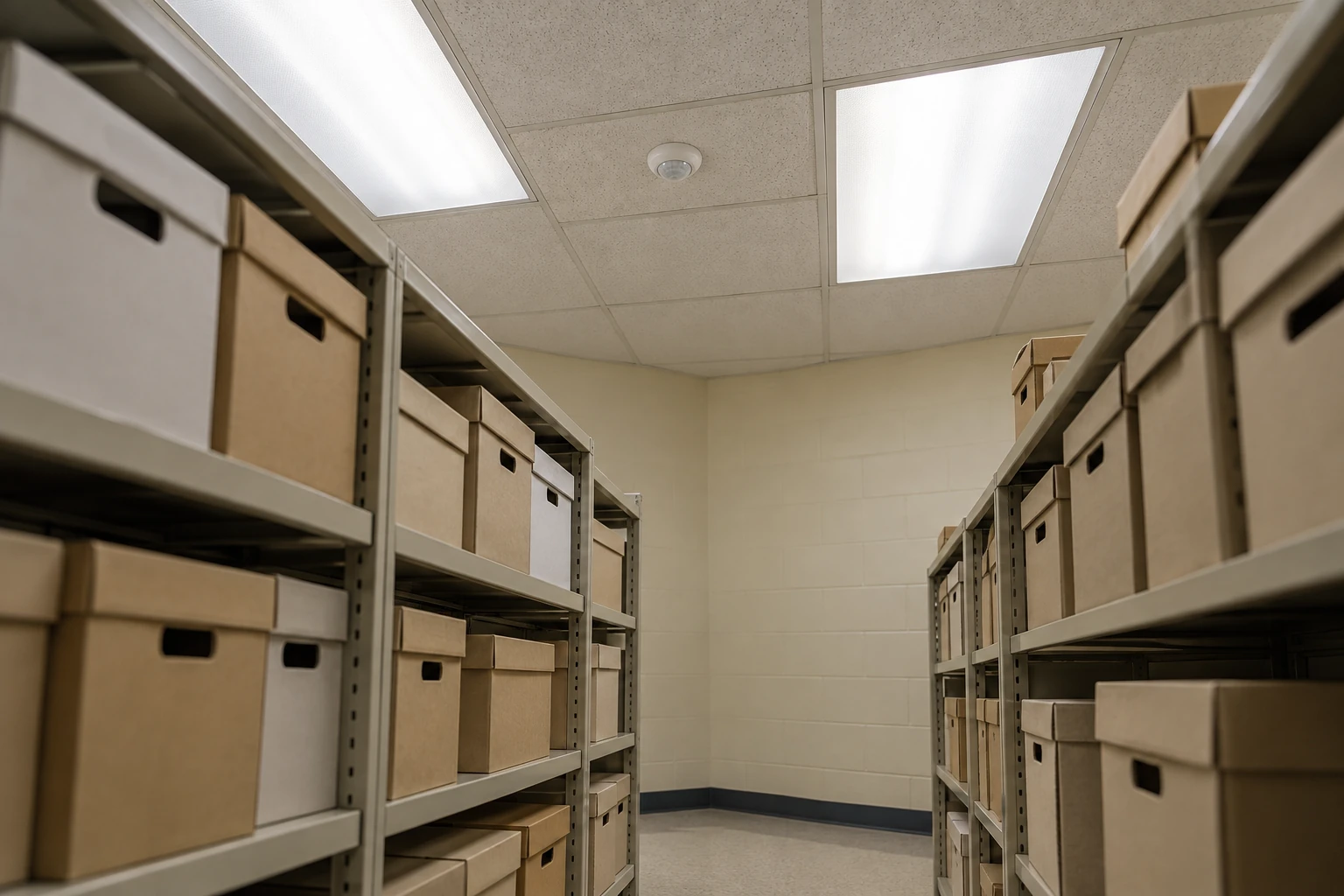
Begin with the movement that the zone must recognise.
A sensor selection should begin with normal activity. Record where people enter, the routes they follow and where they remain for extended periods. Large movement through an open room differs from small movement at a desk. The device position and detection method need to be considered against those activities, not chosen only from the floor area printed on a product sheet.
A zone can contain several patterns at once. A warehouse aisle may include regular travel and occasional picking at one shelf. An office meeting area may be occupied by people who remain relatively still. A parking area may have a short vehicle movement followed by a pedestrian route through a different part of the space. Describe the least obvious activity as well as the easiest movement to detect.
The wider commercial lighting controls scope connects occupancy behaviour to switching, dimming and operating schedules. For a narrow storage application, warehouse aisle lighting helps relate fixture placement to the aisle itself. The sensor decision should support that area rather than compensate for an unsuitable lighting layout.
Where the sensor enquiry also involves fixture distribution or broader controls, the commercial lighting services help identify the connected work.
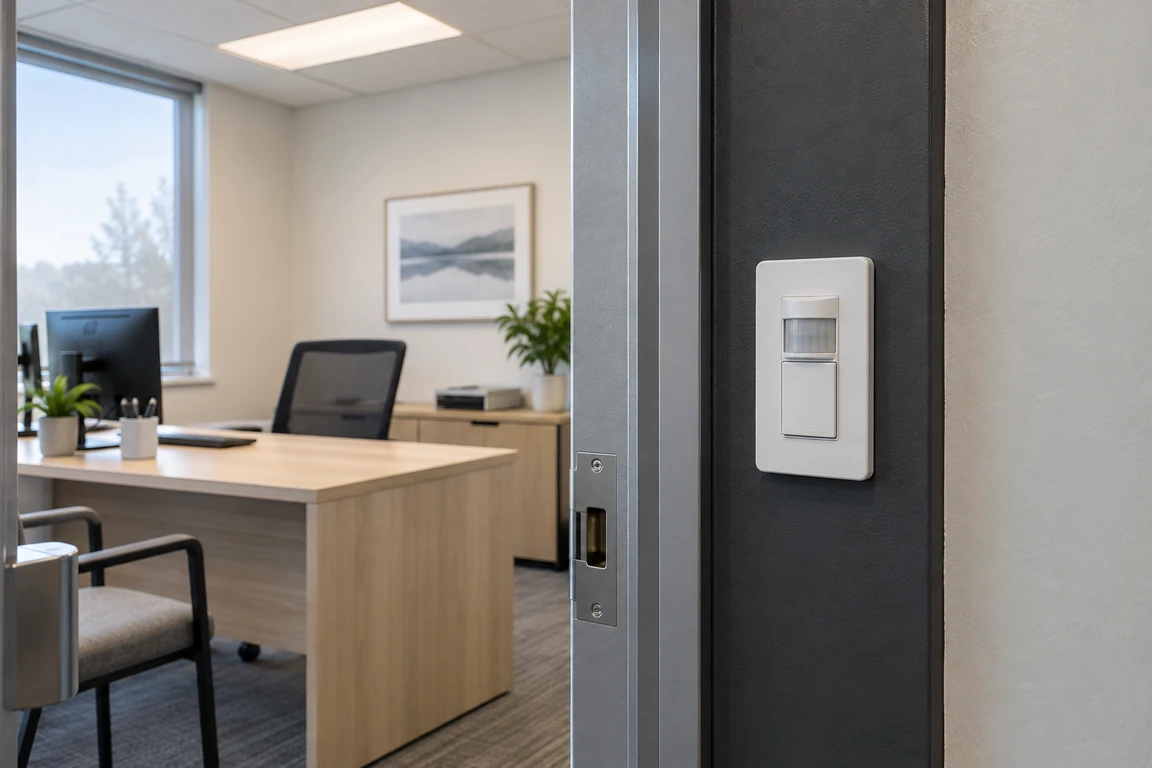
Choose the sequence before discussing a device.
Occupancy and vacancy describe different intended operating sequences. An occupancy arrangement can turn lighting on when activity is detected, subject to the chosen system. A vacancy arrangement commonly requires a person to turn the lights on and uses absence of detected activity to switch them off. The actual product and settings determine what options are available.
Ask what the occupant should experience at entry. Should the area become lit automatically, remain at a background level or require local operation? Consider visitors who may not know where a control is located, staff carrying goods and people entering from an adjoining lit zone. The sequence should be understandable without depending on a specialist to explain it each time someone uses the space.
Also define what happens when activity stops and when it resumes. An inactive aisle differs from a shared circulation route. Certain equipment or areas may require a different treatment from ordinary controlled lighting. The installation professional must determine the appropriate arrangement for the actual scope; a generic sensor proposal should not assume that every circuit or fitting can be switched off in the same way.
Use activity zones rather than a single building label.
The most useful coverage map follows real work. Divide the space at the points where occupancy patterns, sightlines or responsibilities change. A boundary based only on existing circuit groups may combine areas that need different behaviour. Conversely, too many small zones can create confusing transitions or an unnecessarily complicated operating arrangement.
Use representative occupied conditions when discussing coverage. The map should show loaded racks, ordinary furniture and equipment in its usual position. Record planned partitions or changes to stock height. A layout drawn as an empty rectangle can hide the very obstructions that matter to the sensor decision. These observations help establish questions for product-specific review, without turning the enquiry into an unsupported coverage guarantee.
| Area | Activity to include | Coverage question |
|---|---|---|
| Aisle | Entry travel and stationary picking. | What sees the worker behind stock? |
| Office | Seated work and meeting activity. | What recognises small movement? |
| Garage | Vehicle arrival and pedestrian travel. | How do adjoining zones respond? |
| Production corner | Fixed-position work near machinery. | Which obstructions affect detection? |
Racking and obstructions can change coverage.
In a storage or industrial area, the detection path may be affected by shelving, stock, structural elements and machinery. A device mounted above the rack line does not automatically have an unobstructed view of every occupied position. The geometry changes when shelves are filled, temporary loads are staged or a partition is added.
Map the device location relative to likely entry points and working positions. Record whether the complaint occurs on one side of an obstruction or only when stock reaches a certain height. These details can help distinguish an apparent timeout problem from limited coverage. Product technology and installation guidance must then be reviewed for the particular arrangement.
The warehouse and distribution industry page discusses rack changes and shift priorities. Manufacturing and industrial facilities require a different conversation around machinery and fixed workstations. The warehouse lighting guide and distribution and logistics guide help place those sensor questions within the wider operation. Avoid transferring a successful setting from an open room into a dense working area without reviewing the change in conditions.

Treat unexpected switching as an observed pattern.
When lights go off during occupied work, describe the event in a way that can be repeated or investigated. Note the zone, activity, approximate timing and whether nearby lighting behaves similarly. Indicate whether normal movement restores the light and whether the problem began after a layout or equipment change. Those facts are useful without opening any electrical equipment.
Unexpected activation also needs context. Activity in an adjoining area, changing environmental conditions or the control sequence may influence the result, depending on the product. The symptom does not establish a device fault by itself. Replacing a sensor immediately can leave the original coverage or compatibility concern unchanged.
Use commercial lighting repair for equipment faults. For sensors serving desks or meeting areas, the office lighting problems guide helps connect switching observations with the occupied task. If switching is confused with visible flicker, the flickering commercial lights guide helps distinguish the reported symptom. The dark warehouse aisle guide is useful where poor visibility remains even while the lights are on. Each concern deserves a clear description rather than a single assumption about sensors.
Check compatibility and the surrounding lighting.
A sensor may switch a circuit, control a dimming input or communicate within a larger system. The fixture, driver, existing controls and wiring arrangement determine which approach can be used. A device specification alone does not prove that it will operate an existing group of commercial luminaires as intended.
Discuss the output while occupied, any background level and the transition between them. The selected equipment should support that behaviour across the affected zone. Review adjacent spaces so an occupant does not encounter an unexplained difference on a normal route. Parking garage lighting is one application where zone transitions and the wider occupied route need to be considered together.
The warehouse lighting controls guide connects sensor coverage to fixture behaviour. The commercial controls and incentives guide explains why any possible program route needs separate product and project confirmation before purchase. In offices and business parks, staff expectations and local controls are also part of handover. The intended sequence should be recorded in everyday language that the building contact can retain.
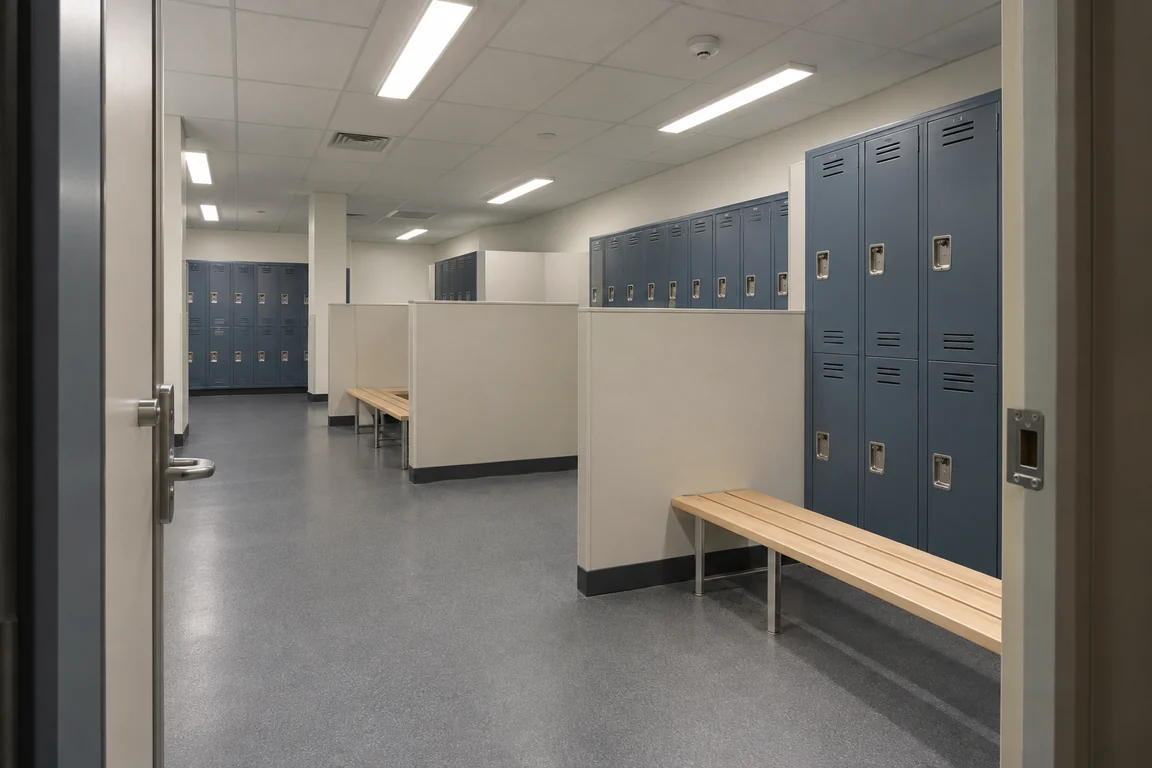
Verify the sequence with representative users.
A control handover should address the behaviours that prompted the project. Agree which routes and working positions need to be observed, including ordinary slow activity and entry to an inactive area. This makes the final review more meaningful than watching one person walk quickly past a device.
Record the intended operation.
Identify each controlled area, entry expectation and unoccupied response. State which fittings and adjacent routes are involved. The record should distinguish an owner preference from a product capability that still needs confirmation.
Review coverage and settings.
Use the installed layout and normal occupied conditions when the electrical professional reviews operation. Include the staff activities that previously caused difficulty. Any settings changes should be documented against the relevant zone rather than left as an unexplained adjustment.
Assign future changes.
Identify who can request or authorise settings changes and how problems should be reported. Keep device and fixture information with the zone map. Revisit coverage when racking, partitions or work positions change instead of assuming the original arrangement remains appropriate.
Questions about this lighting scope.
Does a longer timeout solve every false switch-off?
A longer setting may change the symptom, but it does not establish the cause. Coverage, activity, obstructions and fixture compatibility need review. Describe the position and task where the problem occurs. A setting that works for frequent aisle travel may still fail to address limited detection at a stationary work area.
Can one sensor control an entire warehouse?
The answer depends on the layout, activity, equipment and intended sequence. Dense racks and distinct work zones can make a single broad area unsuitable. A useful proposal explains the coverage approach and boundaries for the actual warehouse. It should not guarantee building-wide detection solely from nominal device range or ceiling height.
Are sensors useful where people work at desks?
They can be considered, but small movement, control expectations and device technology matter. Include seated work and meetings in the review rather than judging only entry and walking movement. Local operation may also be part of the chosen sequence. The office’s actual use determines the discussion, not a general promise about all workplaces.
Should staff bypass a sensor that behaves poorly?
Report the behaviour through the facility’s normal service process. Provide the affected area, timing and activity, and identify any recent changes. Bypassing controls or opening electrical equipment can introduce a different problem. The appropriate response is a qualified review of the device, coverage, settings and connected lighting within an agreed scope.
Ready to plan?
Bring the facility decisions into one scope.
Share the controlled areas, typical movement and any unexpected switching. Include a layout, normal shifts, obstructions and known fixture or sensor details so the assessment can compare coverage and operating sequence.