
Commercial & industrial lighting · Milton
Contact Milton Commercial Lighting
Contact about a commercial lighting project or an existing lighting problem at your Milton facility. Choose the enquiry that reflects the immediate need, then describe the area, operating conditions and timing.
For a planned installation, retrofit, upgrade or controls project, use the site-assessment pathway. For a failed fixture, intermittent operation, flicker or an exterior controls concern, use the lighting-service form below. Clear facility information helps the next discussion start with the problem or project you actually have in mind.
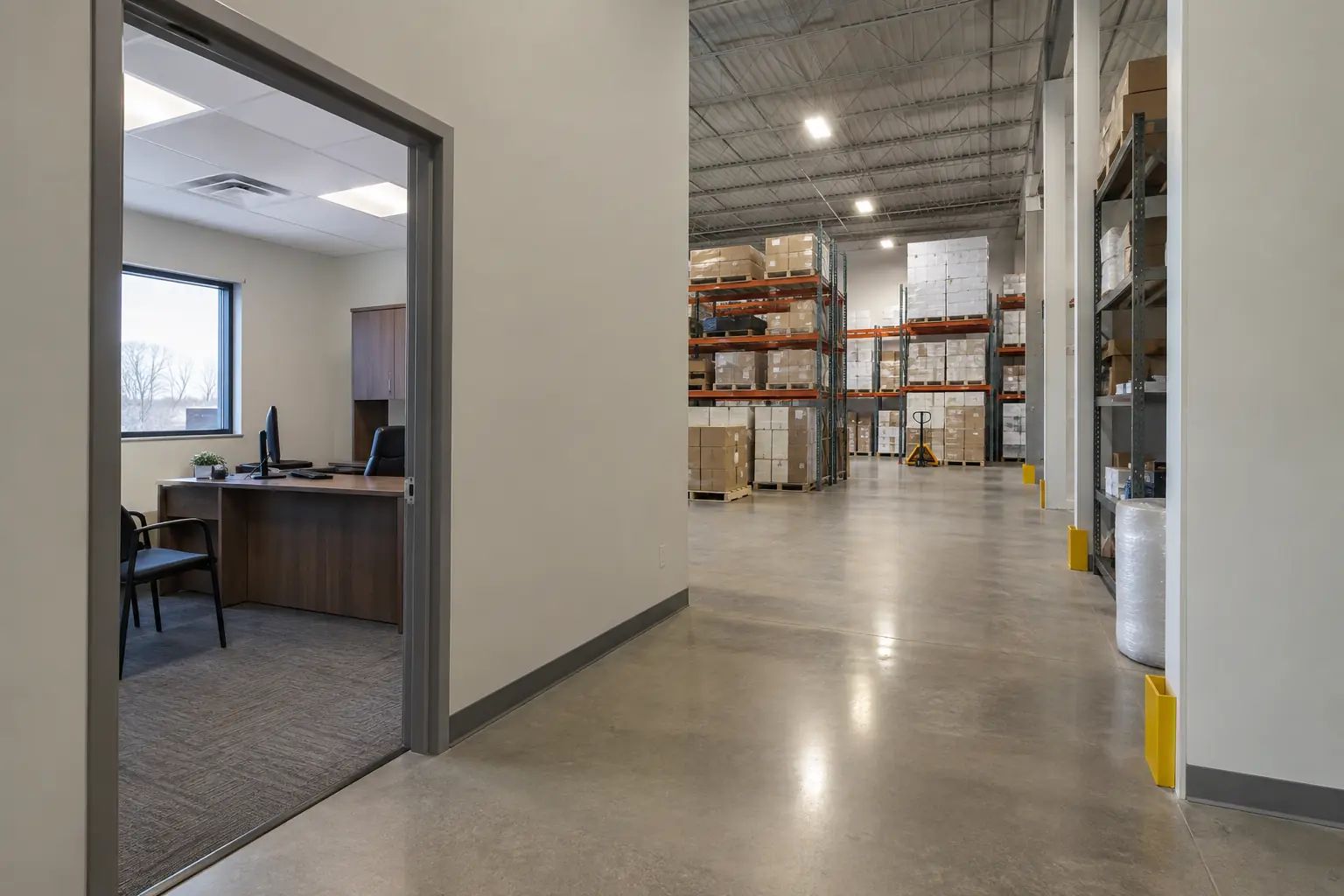
Choose your enquiry
Planned project, retrofit or upgrade
Describe the change you want to make, the existing lighting and the areas involved. Include operating hours, access restrictions, planned layouts and preferred project timing.
Lighting repair or existing problem
Describe what is not working, where it happens and when staff notice it. Include affected fixtures or zones and useful photographs taken safely from ground level.
For service, tell us what you can observe safely
Start with the affected location. Use a room name, warehouse aisle, dock door, entrance or parking row that the site contact will recognize. Describe whether a fixture is completely dark, intermittent, visibly flickering, dimmer than its neighbours or operating at the wrong time. If several fittings are involved, explain their pattern across the area.
Timing can be useful without proving a cause. Note when the symptom was first observed, whether it happens continuously and whether it relates to the usual daylight or operating schedule. Include maintenance history already held by the facility. A model listed on an earlier invoice is helpful; a guessed part number is less useful.
Gather information from accessible positions and existing records. Do not open fixtures, remove covers, climb or perform electrical checks to complete the enquiry. A safe overview photograph can show the location and surroundings. Where a condition presents an immediate hazard, follow the facility’s safety or emergency process rather than relying on a website form.
The commercial lighting repair page provides a fuller service framework. Use the flickering lights guide or lights not working guide when more detail would help you organize the observations. You can still make an initial request without identifying the failed component.
For a recurring service concern, maintenance planning can remain a separate follow-up scope.
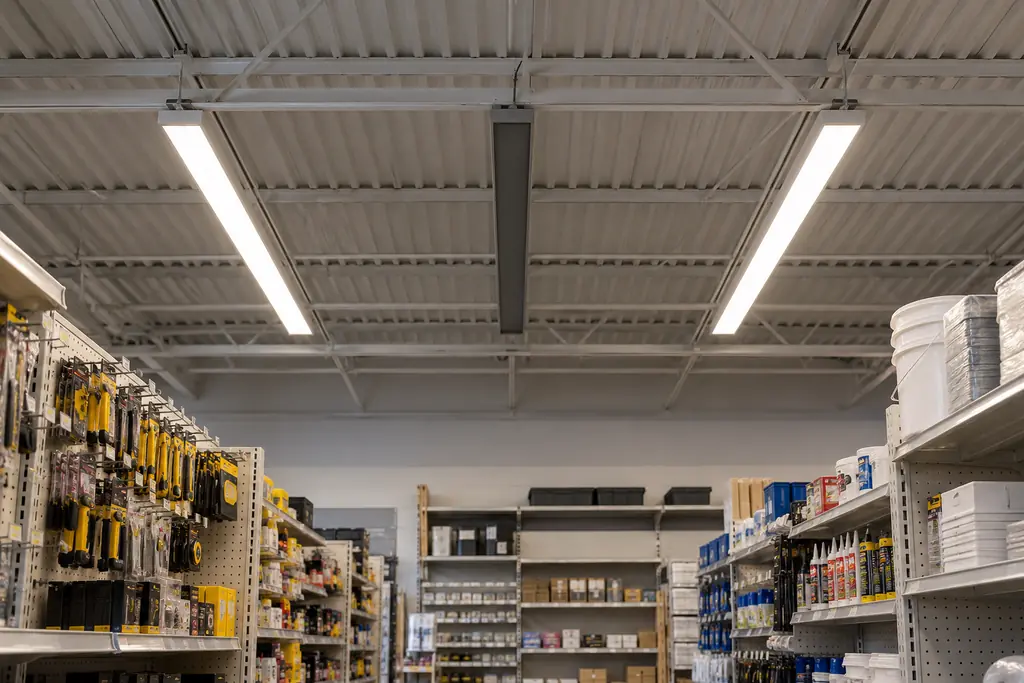
For a planned project, describe the intended change
State the lighting change you want to make, the areas included and their priorities. Explain the main objective before choosing equipment or a service label.
Provide known fixture information and approximate quantities, but do not delay the enquiry solely because the technical record is incomplete. Include current layouts or a sketch where available and identify any planned moves of racks, partitions or worktables. Say whether equipment has already been selected or committed, and whether the proposed layout is settled.
Operating hours and access restrictions are important project inputs. A building that remains occupied, a receiving lane with short release windows or a unit with restricted ceiling access can shape the scope. Describe those conditions before assuming work can be completed in a particular period.
Use Request a Site Assessment for that planned-project brief. The assessment page collects the objective and facility conditions in one enquiry. The service form on this page remains focused on an existing lighting problem, so you can choose the right route without submitting the same project twice.
For installation, show the changed layout; for LED replacement, provide existing fixtures and operating hours. Use assessment and planning when the decision is still open. For controls, describe desired zone behaviour. A new-facility project also needs construction and occupancy milestones.
Identify the property and the person responsible for access
Provide the property address and unit or building reference relevant to the work. Distinguish the unit interior from shared corridors, parking, outdoor approaches and common building systems. A fixture beside a tenant door may still be the responsibility of the owner or property manager.
Name the site contact, who authorizes the work and who coordinates access. Include required permissions and any tenant opening hours that restrict the work window.
For a property-management request, describe each location separately. A list of faults is more useful when it identifies the affected area, known fixture reference, operational concern and approval contact. Avoid combining several properties into one unspecified fixture count; access and responsibility can vary even where equipment looks similar.
The property management lighting page considers recurring requests and capital planning. The multi-site lighting page helps organize separate site records. An initial contact can identify a common portfolio contact while still keeping each property’s current need visible.
For industrial-condominium lighting, identify whether the fitting serves the interior of a small-bay unit or shared property. In multi-residential common areas, name the responsible manager; at leasehold properties, explain who can authorize the alteration and arrange access.
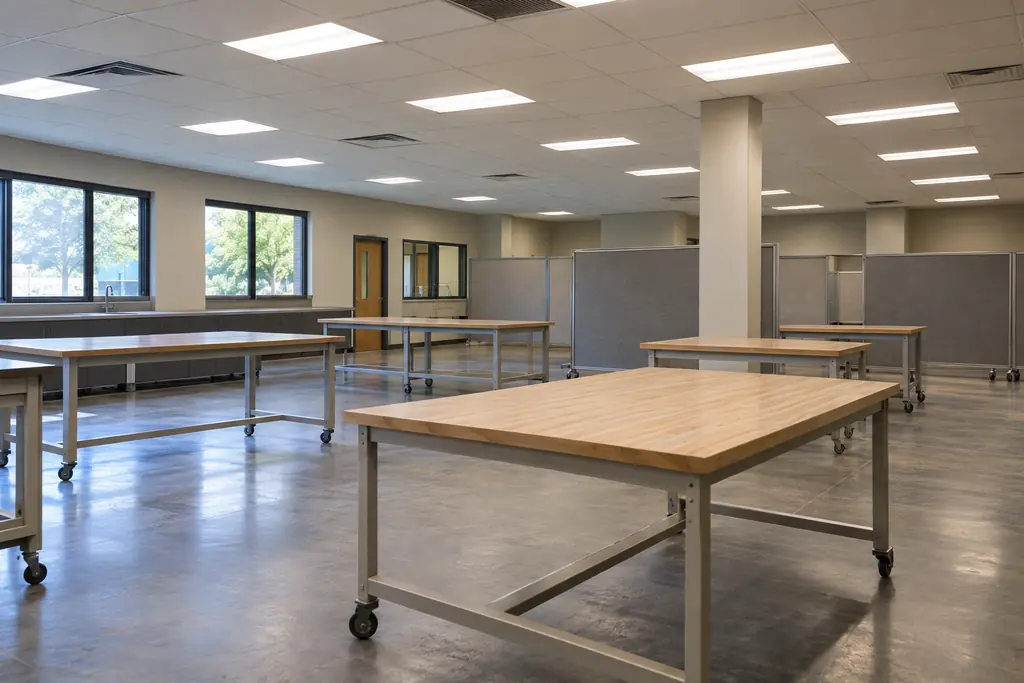
Information to include with an existing problem
Do not fill gaps with a diagnosis. A clear account of the conditions is the useful starting point; technical identification and the work required remain matters for review.
| Detail | Why it helps | Safe starting point |
|---|---|---|
| Affected area | Locates the work and distinguishes one fitting from a wider zone. | Room, aisle, entrance, parking row or an existing fixture reference. |
| Visible symptom | Separates darkness, flicker, dim output and wrong-time operation. | A plain account of what staff normally observe. |
| Timing and history | Shows whether the concern is constant, intermittent or recurring. | Dates and maintenance records already available to the facility. |
| Operating impact | Explains affected routes or tasks and the way the area is being managed. | The site contact’s account of current restrictions and priorities. |
| Access | Identifies height, obstructions and the available work window. | Known building information and photographs from accessible ground positions. |
Exterior and high-fixture enquiries need useful access context
For a high-bay concern, provide known height, racking positions and the area that can be cleared. Include access-route restrictions such as a narrow cross aisle or mezzanine.
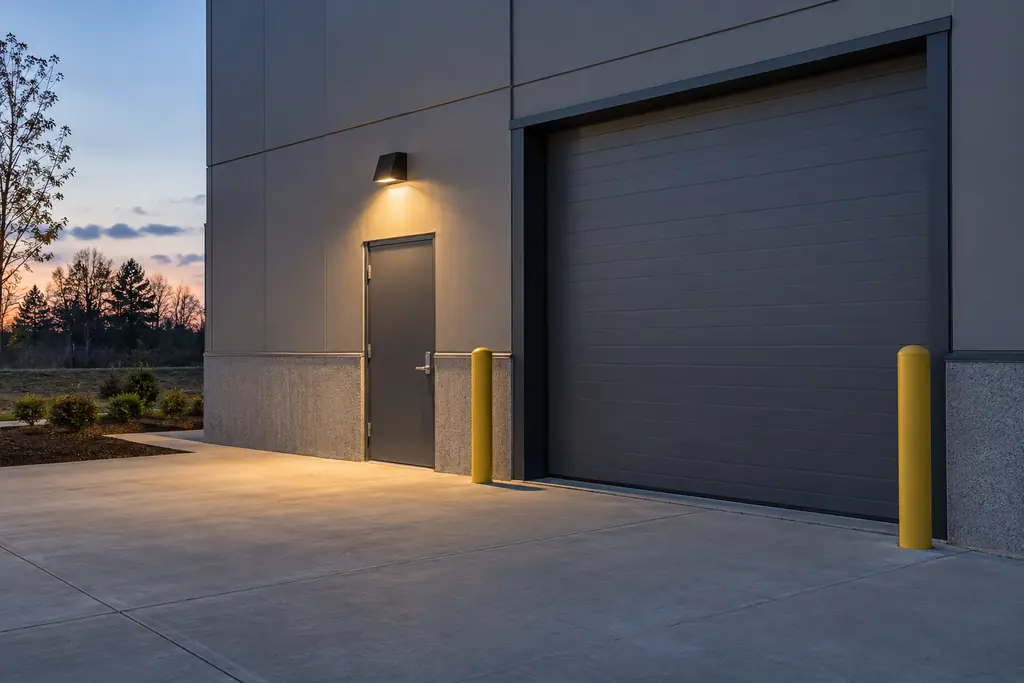
For exterior work, identify the building face, pole or route involved. A daytime overview can show the mounting location and approach, while normal evening observations can describe the lighting behaviour. Stay away from damaged equipment and avoid using ladders or opening housings for the enquiry.
Tell us about deliveries, parked vehicles, tenant hours and any routes that must remain open. Identify the person able to arrange the work area. The appropriate access method and timing need to be established for the actual property; no equipment arrangement should be assumed from the first description.
Review parking lot lighting when poles or lot coverage are involved. For lighting that stays on in daylight or fails to switch as expected, exterior control problems helps distinguish the observations to report. If the concern is a planned whole-site change, use the assessment pathway with commercial exterior lighting as the scope reference.
For warehouse lighting at storage or distribution properties, describe rack obstructions and aisle-release windows. At logistics facilities, include trailer and dispatch movements; at manufacturing facilities, identify machinery limiting access. Explain whether a dark aisle contains failed fittings or operating lights that no longer suit the layout.
Keep the next discussion tied to the original need
The first description helps clarify work boundaries and missing details; it does not settle the diagnosis or timing. Keep additional records connected to the same facility and location reference.
A repair request can lead to a discussion of repairability, replacement options or recurring maintenance, but those decisions should be explained separately. A planned improvement can likewise identify an immediate service issue without treating the whole project as urgent. Clear priorities help the facility understand what is being considered and why.
For electrical work, ESA’s property-owner guidance explains the relevant responsibilities, and ESA’s contractor lookup supports business-licence verification. Confirm the actual process requirements with the work authorization. A contact form is a way to begin the discussion, not an approval or certification.
If the available information changes after contact, share the updated layout, symptom pattern or operating restriction. A revised access window or a moved work area can affect the scope. Accurate updates are more useful than assuming the earlier description still applies.
Combine staff observations into one account, identifying the areas and shifts involved. Note when different people encounter an intermittent symptom without treating those differences as a diagnosis.
Use a location reference consistently across the message, photographs and maintenance records. A short description such as the second aisle beside the packing area can be more helpful than several unlabelled close-ups. If a property already numbers fixtures or poles, use that existing reference. There is no need to create a new naming system just for an enquiry.
Include the best contact for follow-up information and the person responsible for site access if they are different. This keeps a useful technical record connected to the practical authorization and operating window, especially when an owner, manager and occupier share responsibility.
At office properties, locate workstations affected by glare or uneven lighting and note daylight conditions. For retail properties, identify displays and customer hours. At automotive showrooms, distinguish customer viewing areas from service bays and storage, with a separate concern and access window for each.
For managed portfolios, keep the location, approval contact and maintenance history together for each site. Use the Resources hub to choose a preparation guide matching the observed symptom, rather than submitting unrelated records.
Questions about this lighting scope
Can I contact you without knowing why the light failed?
Yes. Describe the symptom, location, timing and operational concern. The cause can remain unknown. Do not buy components or attempt electrical investigation simply to complete the form. Existing records and safe observations can support the initial service discussion without pretending to settle the diagnosis.
What if I am a tenant rather than the property owner?
Explain your role, the area involved and who controls the relevant property or system. Identify any landlord or property-manager permission already available and what still needs confirmation. Shared exterior fixtures and common areas may have different responsibilities from lighting within the leased unit.
Should I send a repair request and an assessment request?
Choose the route that reflects the main current need. You can mention a related future project in the same context, while keeping its objective separate. If the immediate concern is a fault, use lighting service; if the main purpose is a planned change, use the assessment page.
Lighting service
Request Lighting Service
Tell us the property and affected area, what staff have noticed and when the problem occurs. Include operating restrictions and the contact responsible for access. Share safe ground-level photographs or existing fixture records if available.